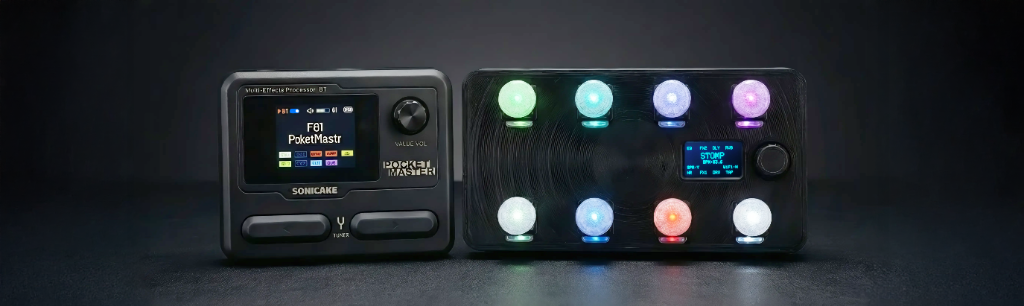
Try it yourself! Fully interactive simulation.
🖱️ Encoder Click: Change Preset |
⏱️ Encoder Hold: Menu |
🖱️↕️ Encoder Scroll: Navigate
Each button supports 5 configurable action types:
PRESS Primary action - toggles effects, sends CC/PC
RELEASE Triggers on button release (momentary behavior)
LONG PRESS Alternate action after holding 500ms+
DOUBLE TAP Quick double-press for fast switching
COMBO Press multiple buttons simultaneously
LED Modes: Toggle, Fixed, Sync, Blink for visual feedback
Navigate the system without a computer:
ROTATE
Adjusts parameters (like BPM) or scrolls through menu
items.
CLICK
Selects the current menu item or cycles options (like
Rhythm Patterns in Tap Mode).
LONG PRESS
Enters or Exits the Main Menu.
Store up to 4 complete configurations.
To switch presets:
Pro Tip: Each preset has its own name, button count (4-10), and LED color scheme.
Press any button assigned to TAP_TEMPO. The screen switches to BPM view showing current tempo and delay time in milliseconds.
Tap the button rhythmically. The controller calculates the rolling average BPM for smooth, accurate timing.
Rotate the encoder to adjust BPM in 0.5 increments. Hold encoder + rotate for faster ±5 BPM adjustment.
Click encoder or use R.prev/R.next buttons to cycle subdivisions:
Configure TAP_MODE_LOCK in the button settings to stay in tap tempo mode indefinitely. Perfect for live performers who need constant BPM access.
Tap tempo sends MIDI CC to your connected device in real-time!
Connect to WiFi AP CHOCOTONE (password:
12345678). Use this to Import/Export your full configuration as a
.json file.
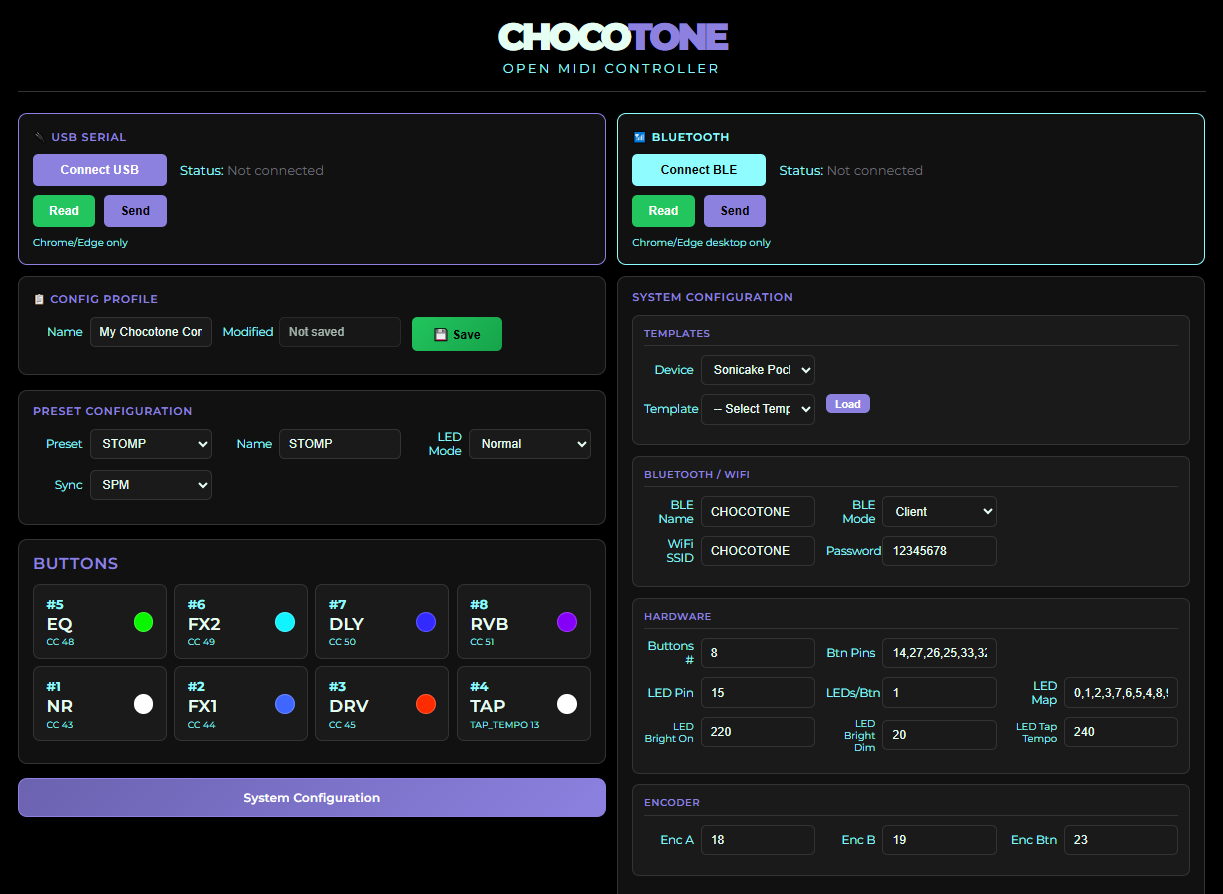
Connect via USB and use the Web App Editor's Serial connection. No WiFi needed!
Connect via Bluetooth Serial (SPP) for a wireless connection identical to USB Serial.
Lightweight configuration via Web Bluetooth (BLE). Perfect for quick adjustments on mobile.
Use the Web App Editor for full access to all configuration options including JSON import/export.